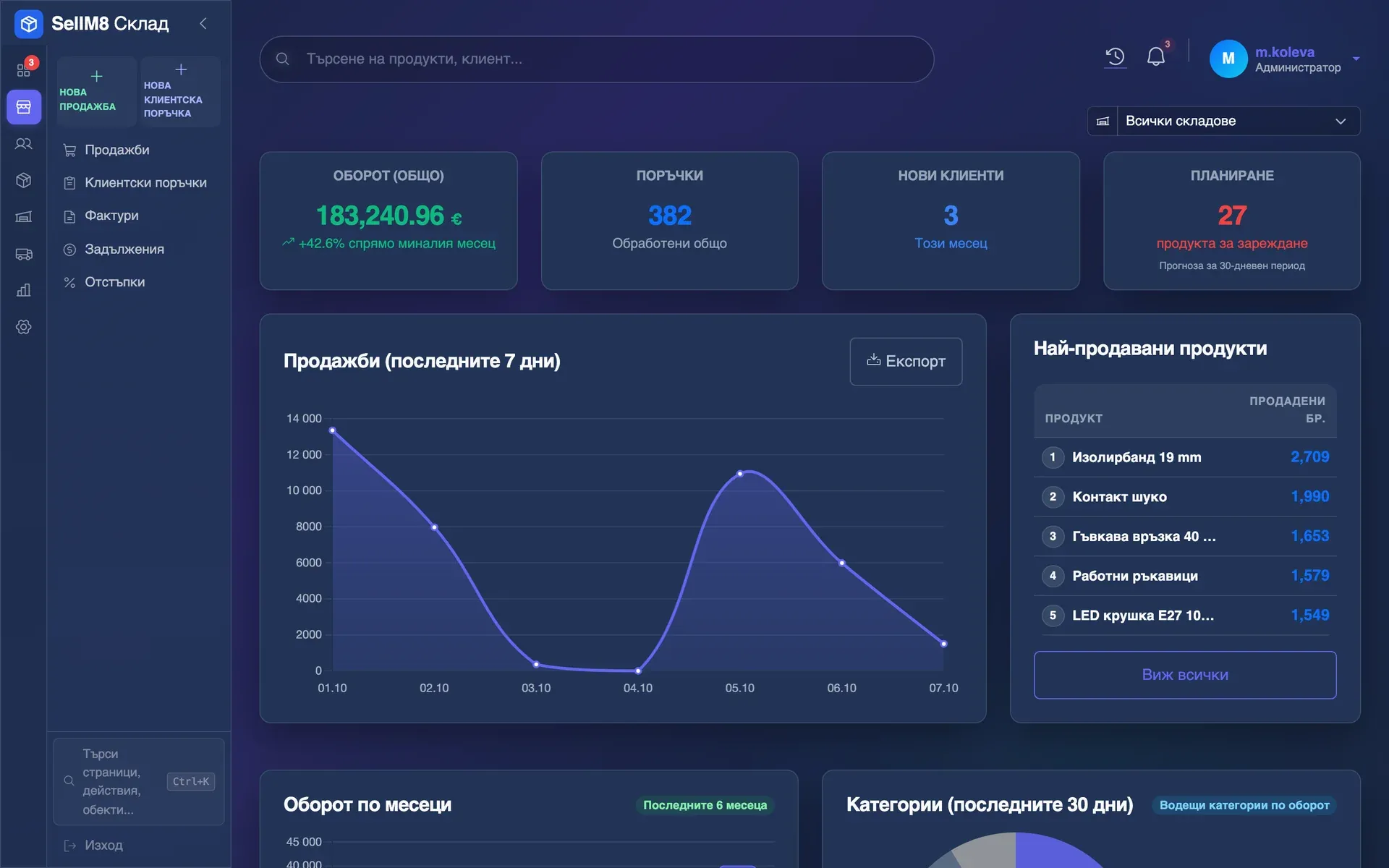
From order to shipping and receivables
Fourteen steps through SellM8 Warehouse with sample data: a customer order, stock set aside, a proforma with no retyping, stock per warehouse, picking and shipping, and what customers owe.
How it works
Click through the real screens and follow the whole process step by step — no sign-up and nothing to install.
Fourteen steps through SellM8 Warehouse with sample data: a customer order, stock set aside, a proforma with no retyping, stock per warehouse, picking and shipping, and what customers owe.
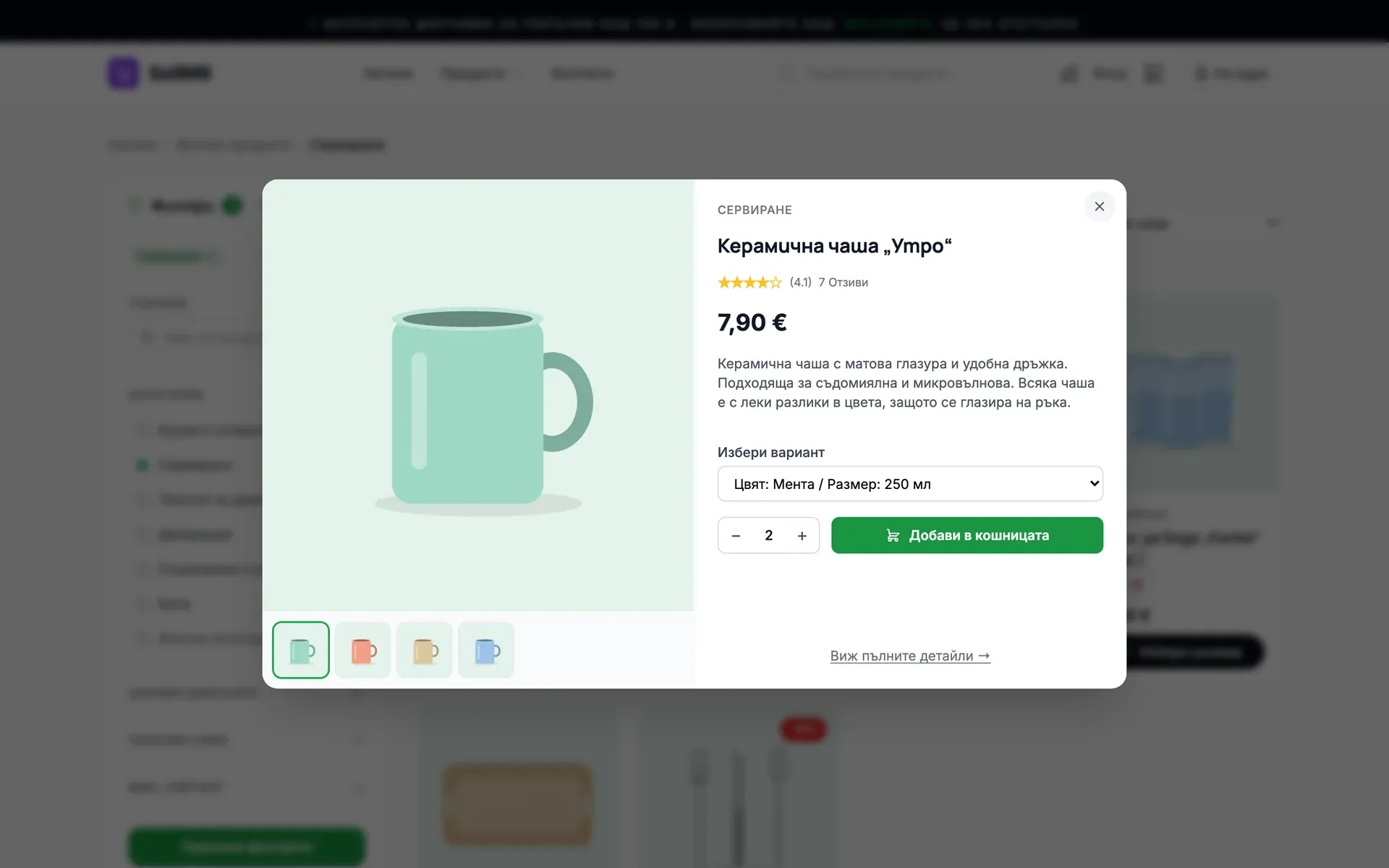
Fifteen steps through SellM8 Shop with sample data: the customer picks a variant and orders without an account; you go into the admin panel straight from the shop, see the order, and then the same customer's path, the funnel, the channels that bring sales and the heatmap over the page itself.
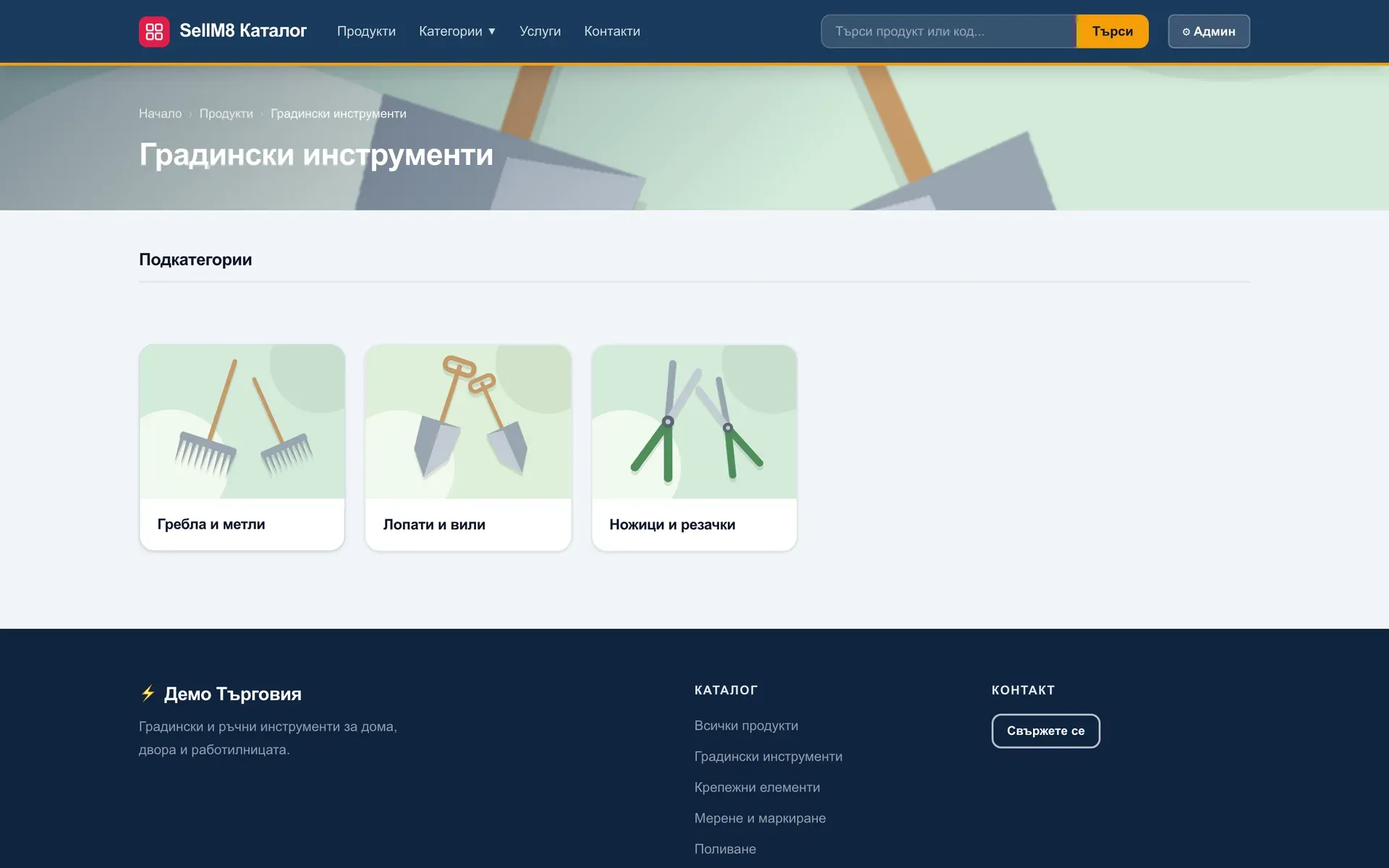
Twelve steps through SellM8 Catalog with sample data: the customer finds a product by category, sees its code, price and stock and sends an enquiry; you receive it in the admin panel and decide with one switch whether prices are shown.
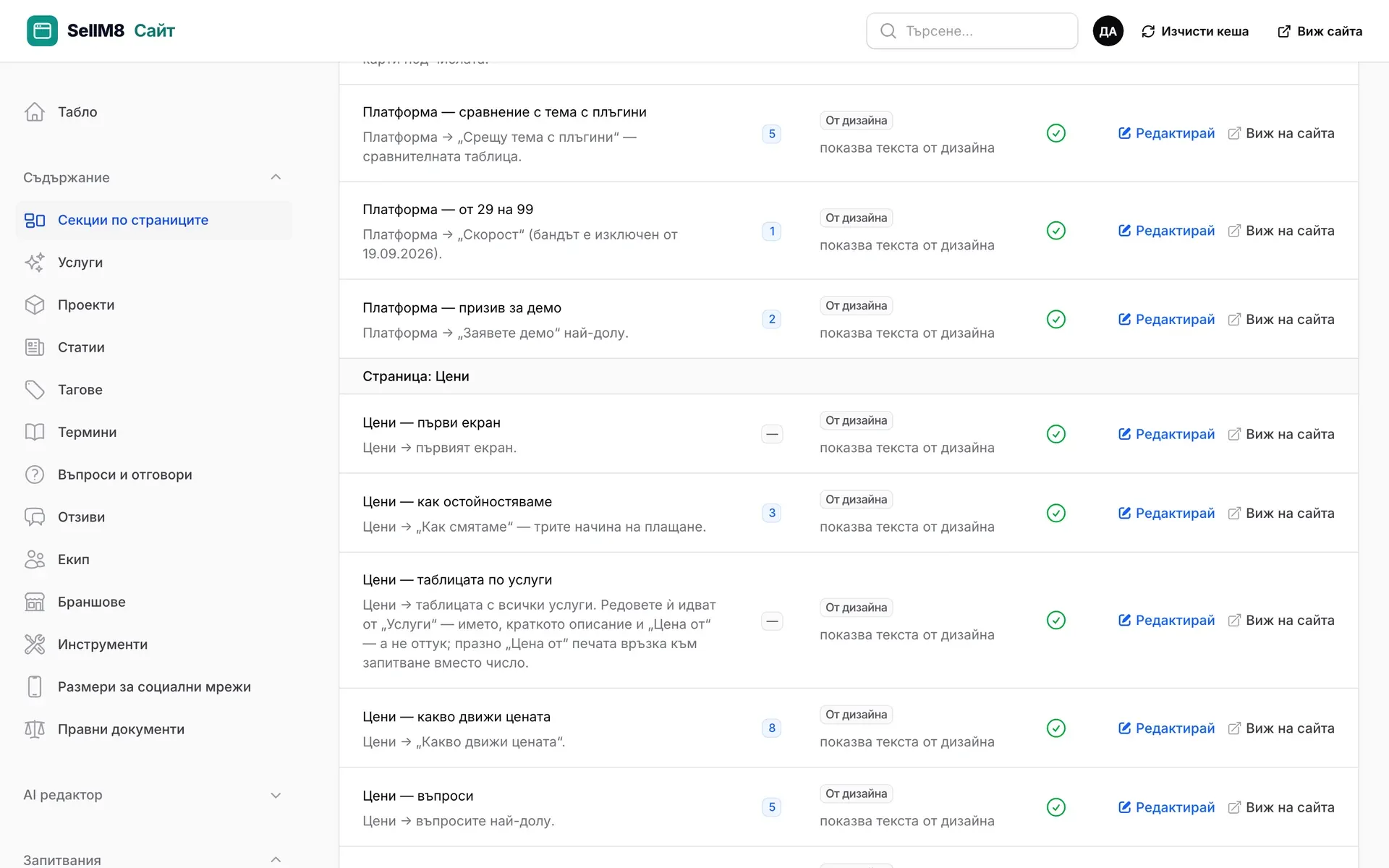
Twelve steps through the SellM8 Sites admin panel: you change a heading without a developer, see it on the site, then look at visitors, a funnel, a heatmap, an A/B test and the enquiries. A demo site with made-up visits and enquiries.
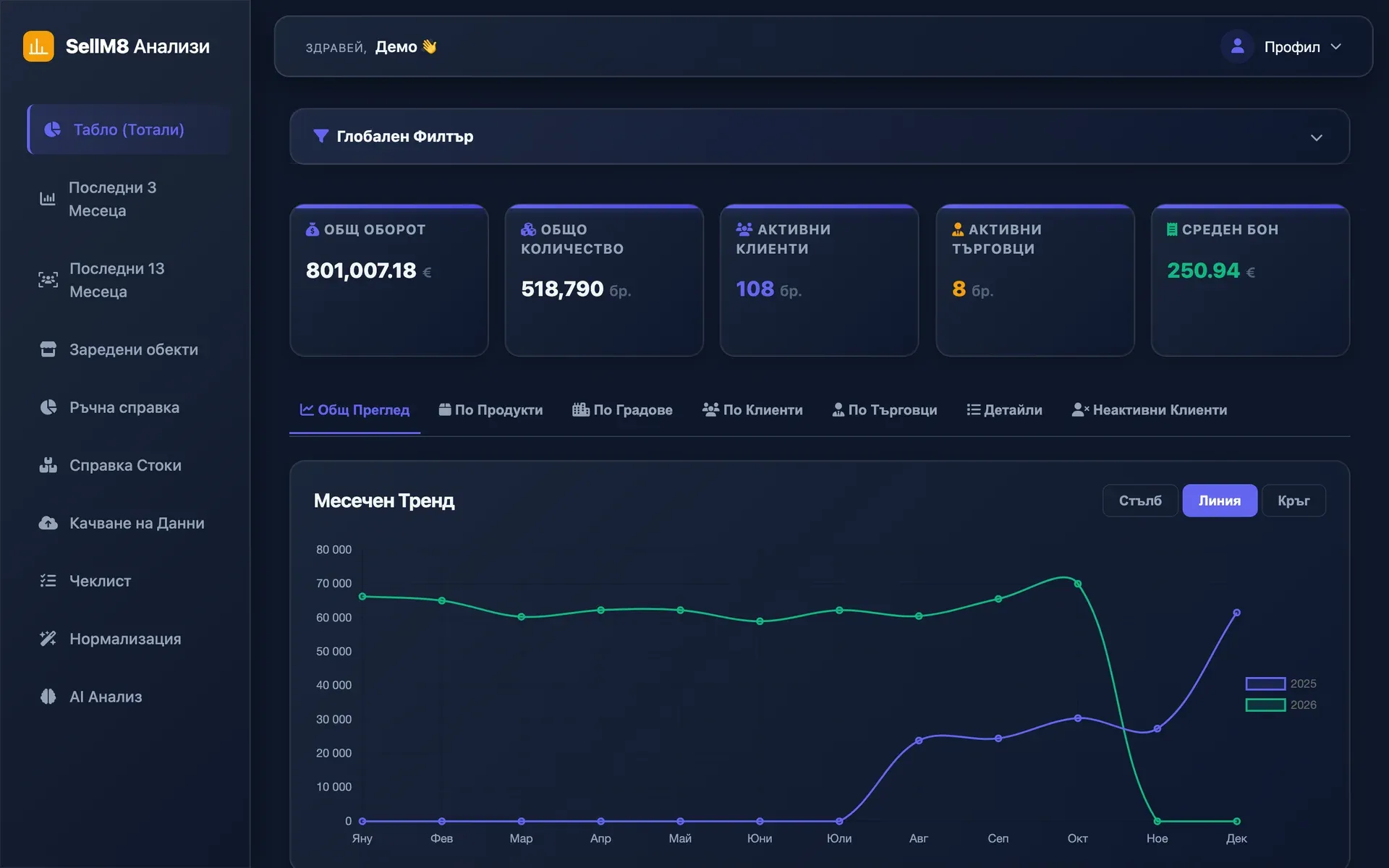
Ten steps through SellM8 Analytics with sample data: uploading the report, dashboard, customers, sales reps, data cleaning and the forecast.
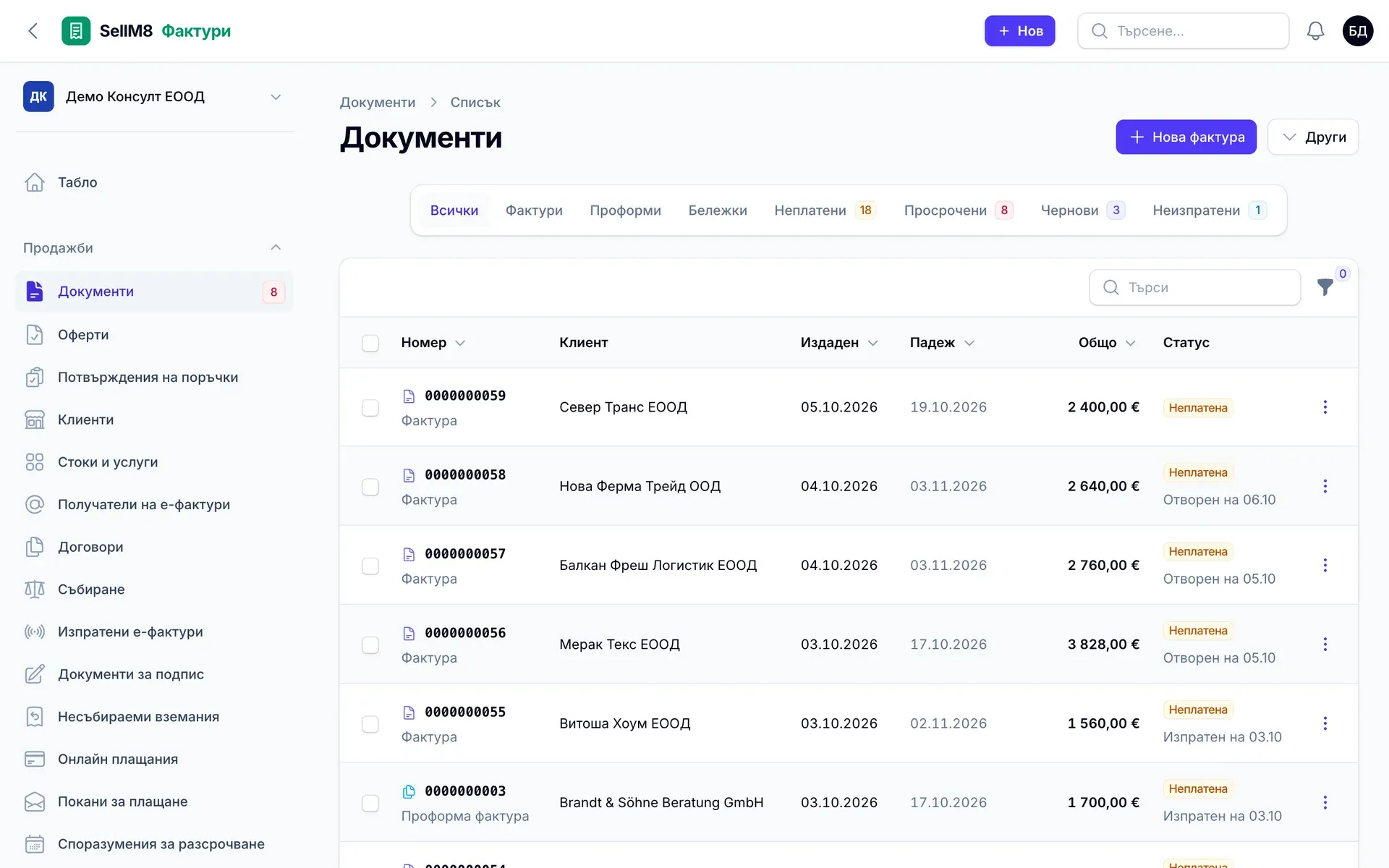
Twelve steps through SellM8 Invoice with sample data: a new invoice, sending it, automatic reminders, a payment found in the bank statement, and the month-end pack for the accountant. The program is not open to users yet — these screens come from its working version.
The screens come from the program itself, captured with sample data. The interface is shown in Bulgarian.
We will show you which program would save you the most work — with your own examples and no obligation.