SellM8 Catalog In use by clients
An online product catalogue that fills itself from the warehouse
It shows products, prices and stock straight from the warehouse program. Customers browse, search and send an enquiry — no cart and no online payment.
- shortest refresh interval from the warehouse
- 5 min
- place to enter data — the warehouse program
- 1
- third-party plugins
- 0
When the PDF catalogue stops doing its job
SellM8 Catalog shows stock exactly as it is in the warehouse and collects enquiries in one place.
Book a demo-
Customers call several times a day to ask whether something is in stock.
-
The catalogue is a PDF and its prices are from last season.
-
You have thousands of items and nobody wants to type them into a website a second time.
-
You do not take orders online, but you want customers to find you on Google when they search for a specific product.
Online product catalogue
What is SellM8 Catalog?
SellM8 Catalog is a lightweight online product catalogue with no cart and no payment. It takes products, prices and stock from the warehouse program on a schedule — as often as every 5 minutes — and collects customer enquiries. It suits merchants who sell on quotation or at their own premises.
Who it is for
- Wholesalers and distributors who sell on quotation
- Shops with many items that do not take orders online
- Companies that want customers to see what is in stock
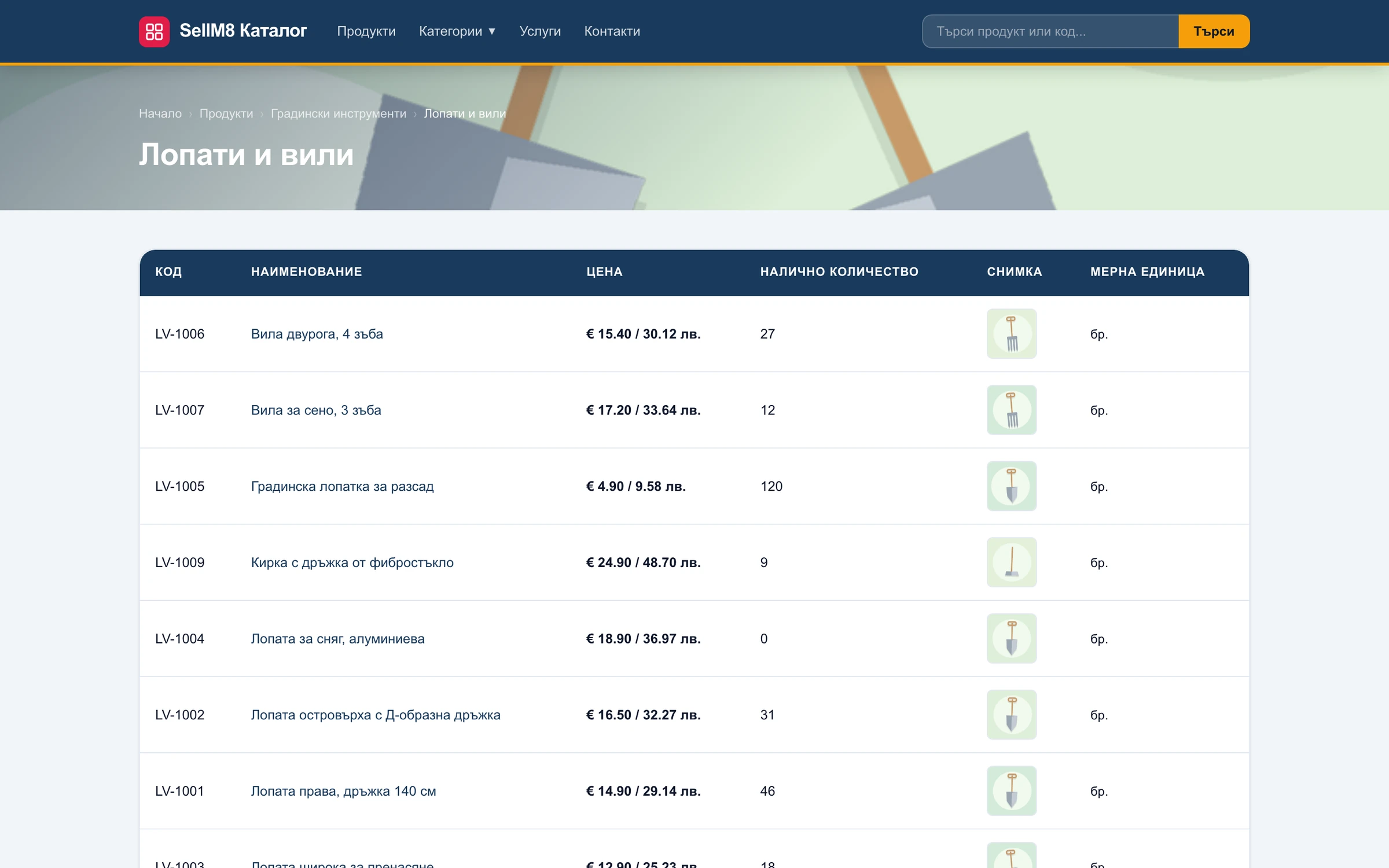
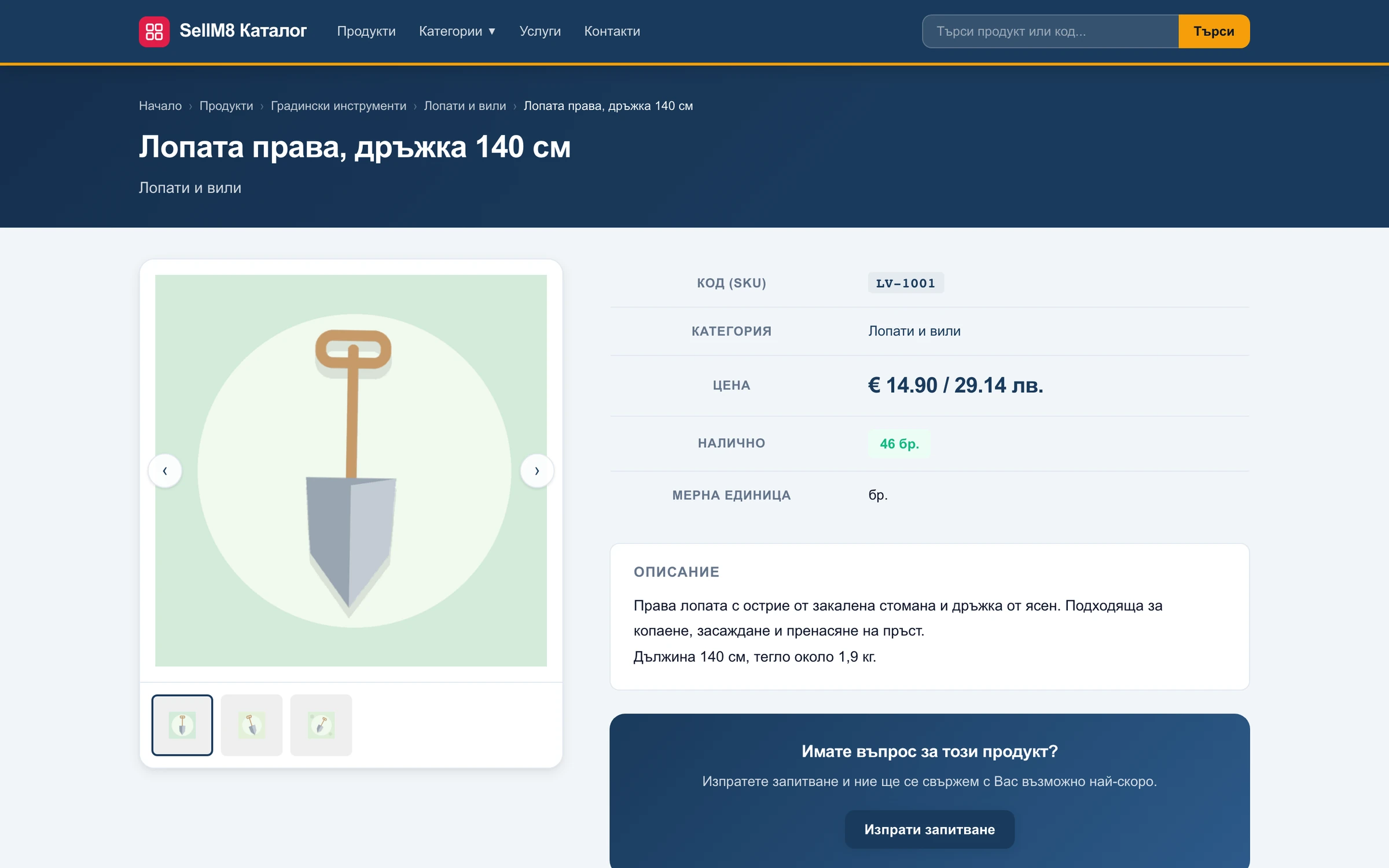
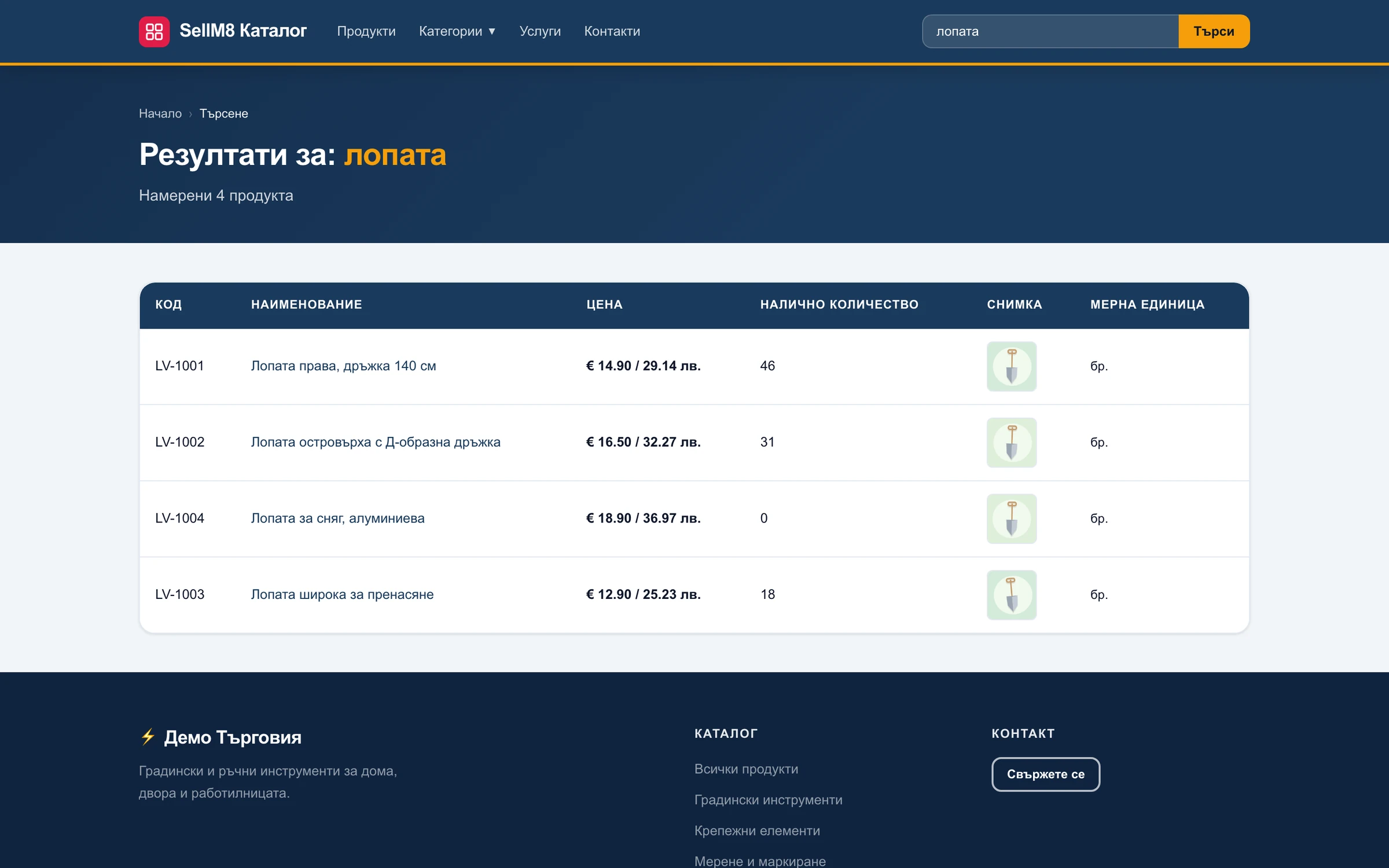
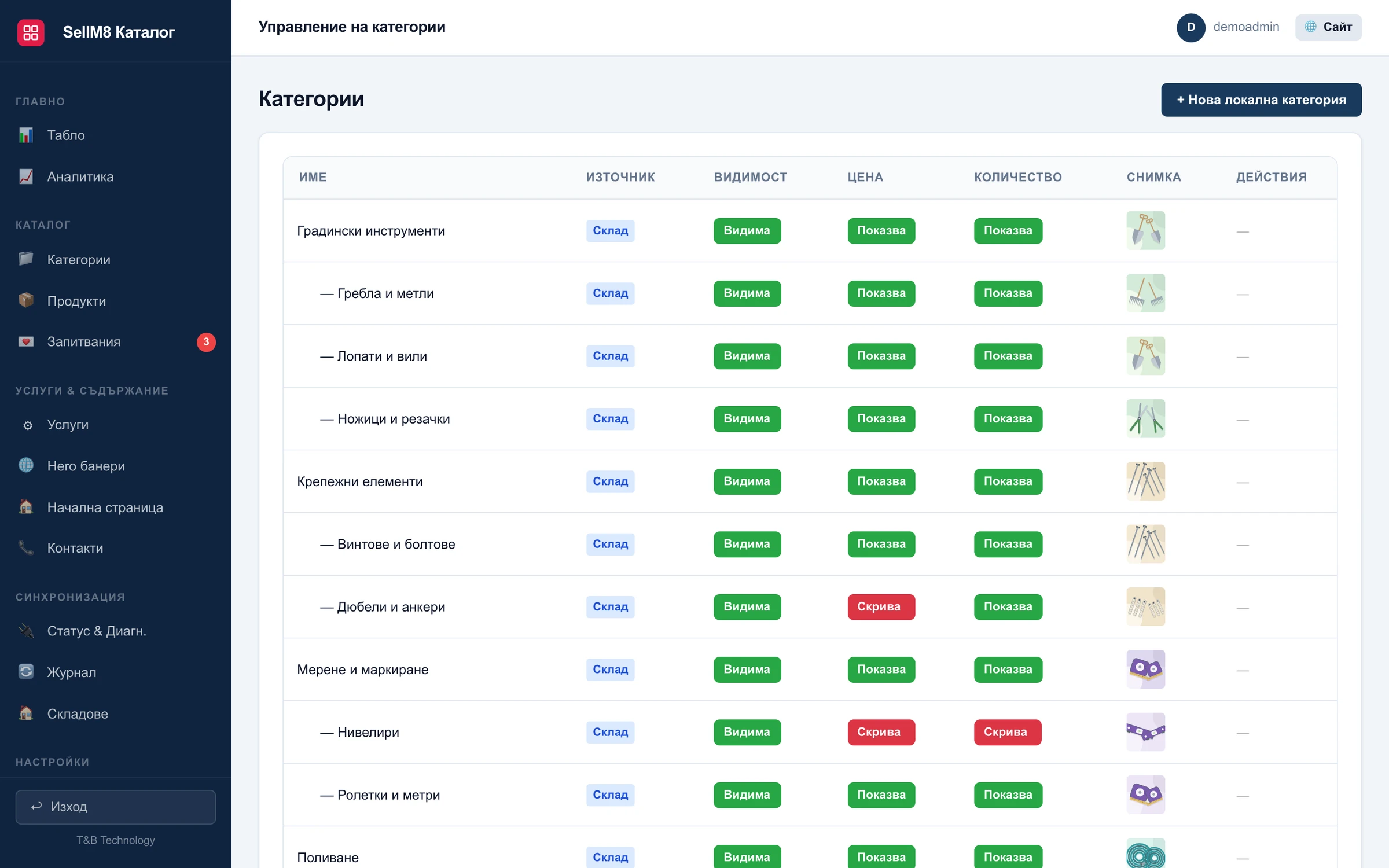
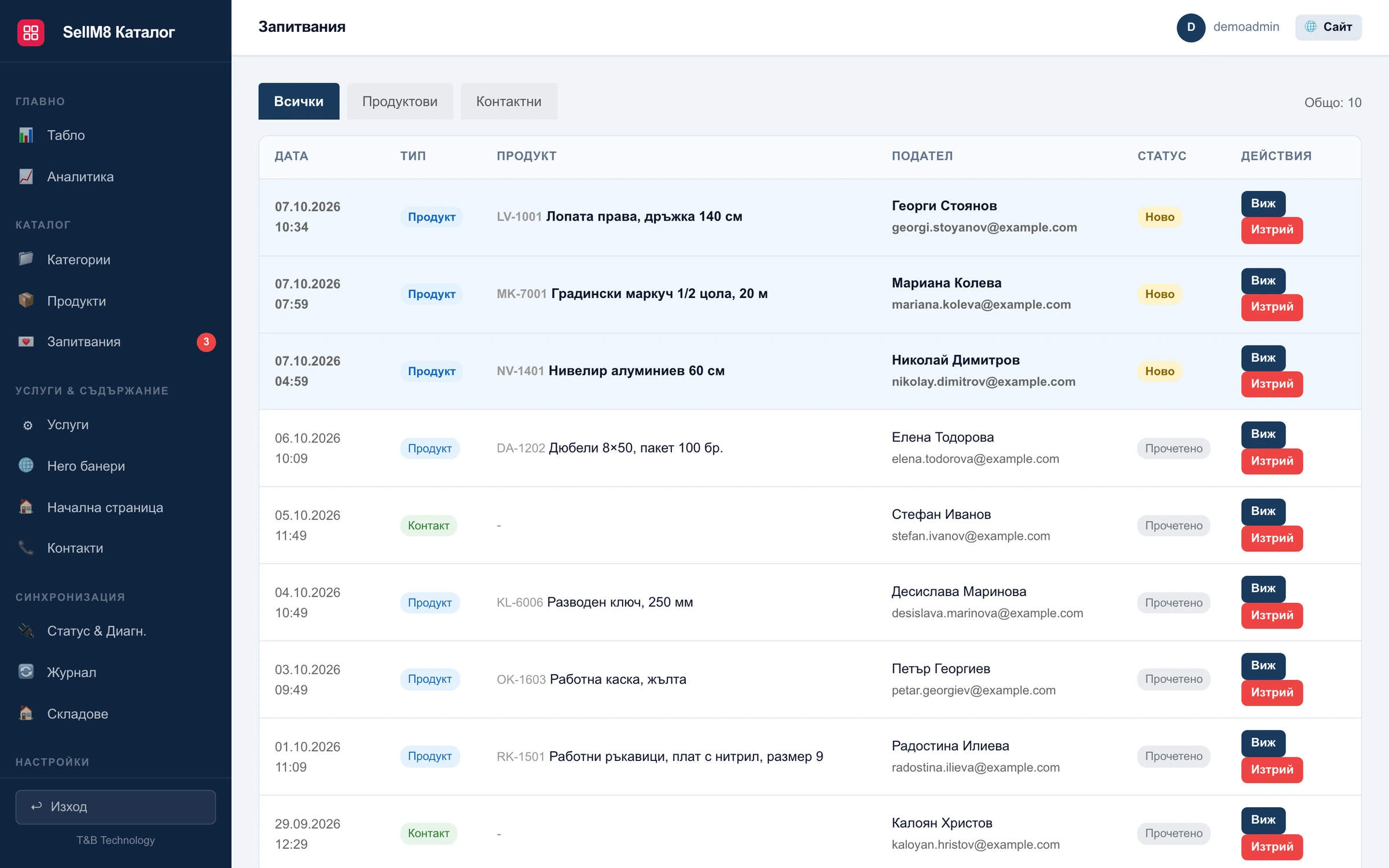
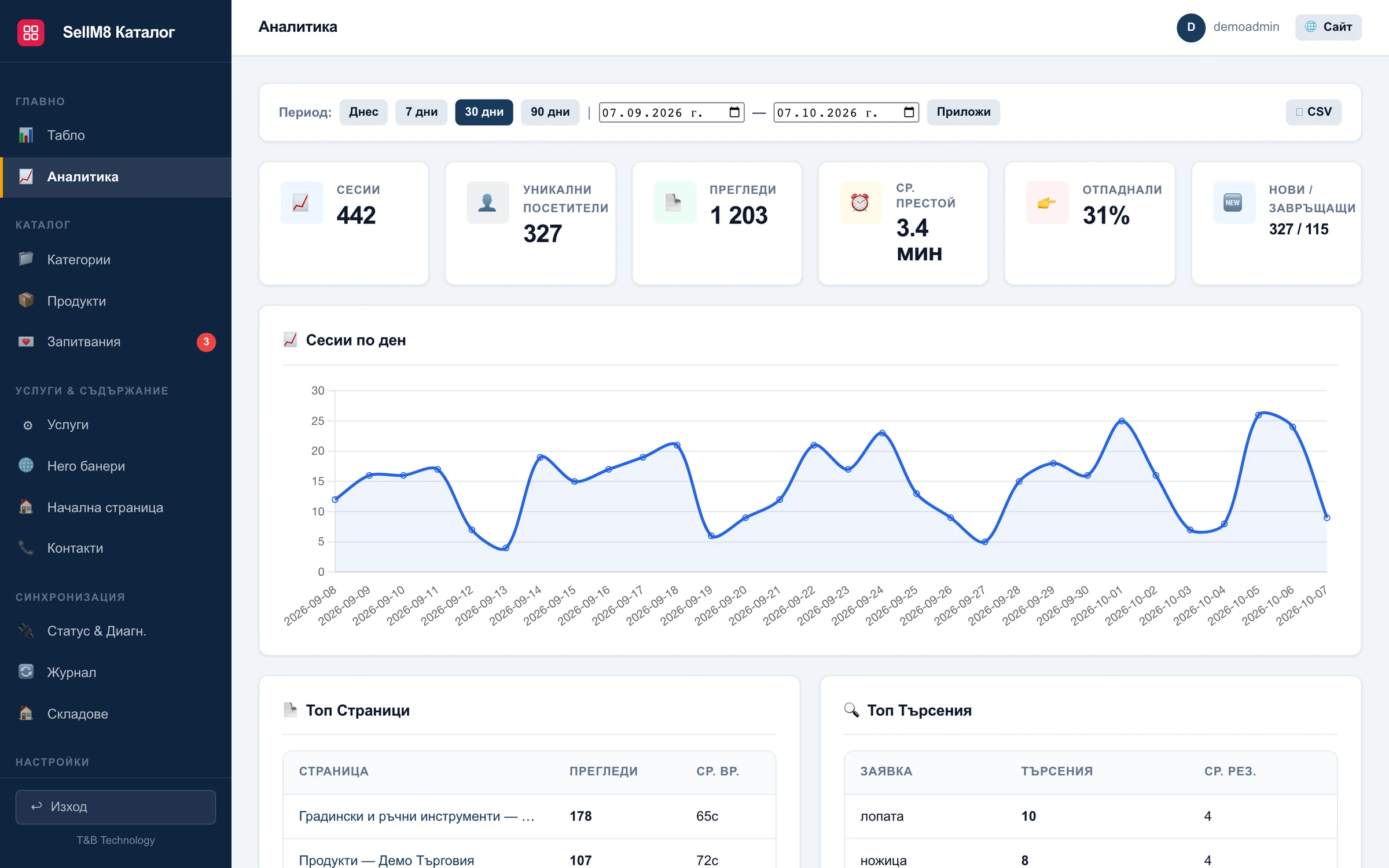
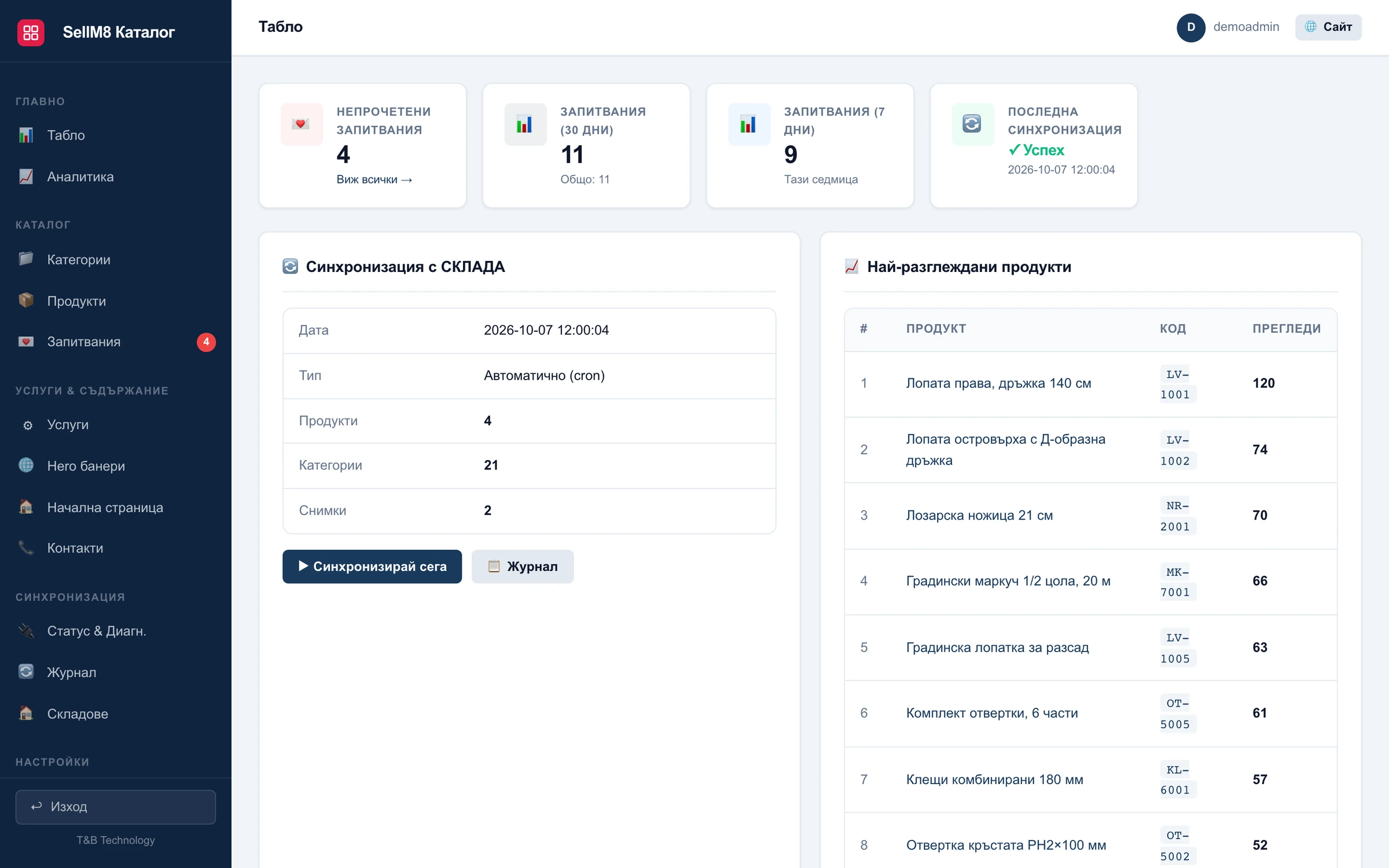
A look at SellM8 Catalog
Screens from the program itself, with sample data. The interface is shown in Bulgarian.
Why SellM8 Catalog
-
It fills itself
Categories, products, prices and stock arrive from the warehouse program on a schedule you choose. Nothing is entered twice.
-
You decide what is visible
For each category and each product you choose whether the price and the quantity are shown.
-
An enquiry instead of a cart
Every product has an enquiry form. Enquiries are collected in one place in the admin panel.
-
Customers find things fast
Search by name, description and product code, plus categories, subcategories and tables with code, price and stock.
-
Analytics without external services
Most viewed products, searches, visitor sources and devices — in the catalogue's own admin panel.
-
Every product can be found on Google
Each product is a separate page with structured data. The sitemap is rebuilt after every sync.
What is included SellM8 Catalog
The full list — open the topic that interests you.
Warehouse sync
- Refresh on a schedule — from every 5 minutes to once a day
- Buttons to sync now or run a full sync
- Categories, products, stock and images come from the warehouse
- Catalogue settings — visibility and images — are never overwritten
- Sync log and status page
For the visitor
- Categories and subcategories
- Product pages with images
- Tables with code, price and stock
- Search by name, description and code
- An enquiry form on every product and a contact form
Admin panel
- Show or hide price and quantity per category and per product
- Your own products that are not in the warehouse
- Images, home page banners and services
- Enquiry inbox
- Choice of which warehouses count towards the stock shown
SEO and analytics
- Sitemap, structured data and an llms.txt file
- Readable page addresses
- Automatic SEO titles and descriptions
- First-party analytics for visitors, products and searches
SellM8 Catalog compared with a hand-maintained catalogue
| What we compare | SellM8 Catalog | PDF catalogue or a manually updated site |
|---|---|---|
| Freshness | Refreshed from the warehouse on a schedule | As fresh as the last manual edit |
| Stock | Shown if you choose to | The customer calls to ask |
| Found on Google | Every product is a separate page | Products inside a PDF do not show up in search one by one |
| Enquiries | A form on every product, collected in the admin panel | By phone and email |
Questions about SellM8 Catalog
Which warehouse program does the catalogue work with?
With SellM8 Warehouse — the catalogue reads products and stock directly from it. For another warehouse program, write to us and we will check whether it is possible.
How often are prices and stock refreshed?
On a schedule you choose — from every 5 minutes to once a day. The SellM8 Catalog admin panel also has a button to refresh straight away.
Can I hide the prices?
Yes. For each category and each product you choose whether the price and the quantity are visible.
Can the catalogue become an online shop later?
Yes. When you decide to take orders online, you move to SellM8 Shop, which works with the same warehouse.
Is there a live example?
Yes — elektrokomers68.com, the catalogue of Elektrokomers 68, which fills itself from the company's warehouse program.
Guides on this topic
Updated:
Put your products online without typing them in again
We will show you how the catalogue fills itself from the warehouse and how enquiries arrive.
- Reply within one working day
- No obligation to buy
- Demo with your own examples